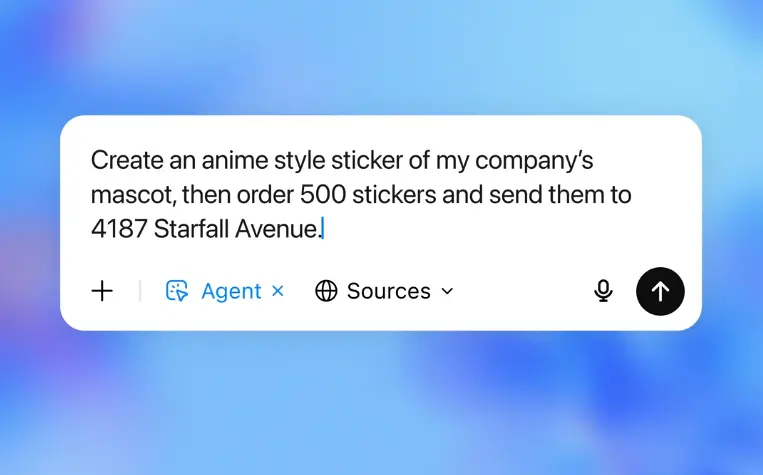
OpenAI has officially taken the wraps off the OpenAI ChatGPT Agent, and this is not just another chatbot update. We’re talking about an AI assistant designed to roll up its virtual sleeves and actually do work for you. Whether you need slides crafted for a meeting, research done on competitors, or even your travel plans sorted, all you have to do is ask. It’s that easy now.
What Exactly Is OpenAI ChatGPT Agent?
ChatGPT Agent is a turbo-charged digital helper. It goes beyond just answering questions or explaining facts. OpenAI has merged the strengths of its earlier “Operator” (which could click around the web for you) and “Deep Research” (which could piece together info from across the internet) right into ChatGPT’s new agent mode. The result? You get an AI that thinks, plans, clicks, analyzes, and delivers results in simple, everyday language.
Main Features
- Automates Complex Tasks: Think of your daily chores at work—booking flights, rescheduling meetings, or turning research into beautiful slides. ChatGPT Agent can handle them all, reading your instructions and working step-by-step until the job is done.
- Understands Context: Since it runs on its own virtual computer and can use tools like browsers, terminals, or even spreadsheets, it’s always in action. It doesn’t just fetch data; it can analyze, summarize, and present it too.
- Connects to Your Apps: ChatGPT Agent works with services like Gmail and GitHub. That means it can pull up relevant emails or code snippets without you lifting a finger.
- User Control: You’re always in charge. The AI asks before taking any big step, so you won’t find surprises in your inbox or calendar.
- Safe and Private: All of its actions happen inside a virtual sandbox, which keeps your data protected and gives you the controls to pause, switch, or stop the agent at any time.
How ChatGPT Agent Makes Life Easier
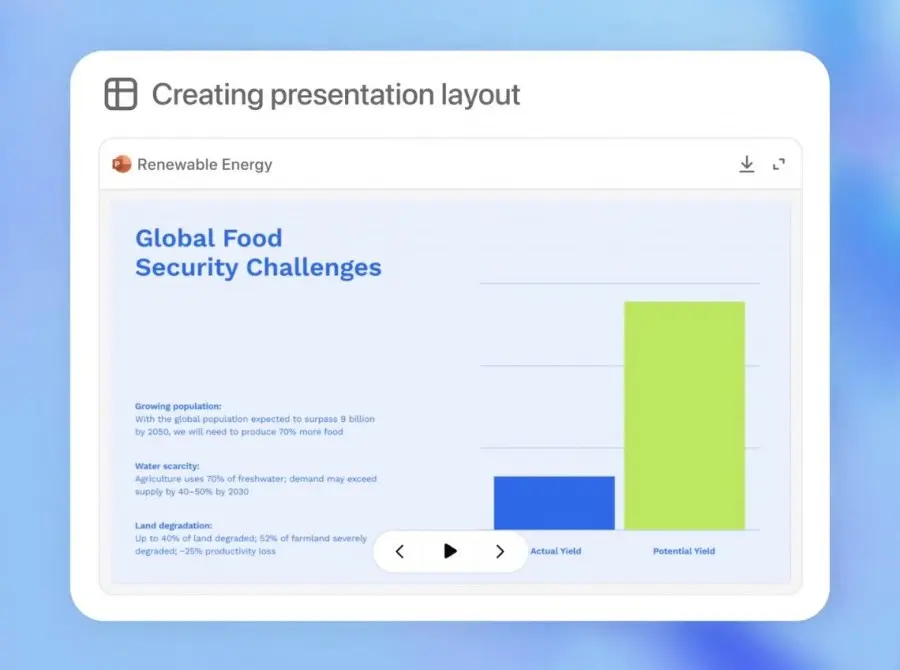
You type a message asking for “a travel plan from Mumbai to Paris next week, including hotels and things to do.” Instead of giving five article links, ChatGPT Agent can check real-time flight prices, compare hotels, and create your itinerary right there. Need a presentation for a classroom or a client? Just say the word. It’ll gather the stats, pick out the latest news, and build your PowerPoint—all in one go.

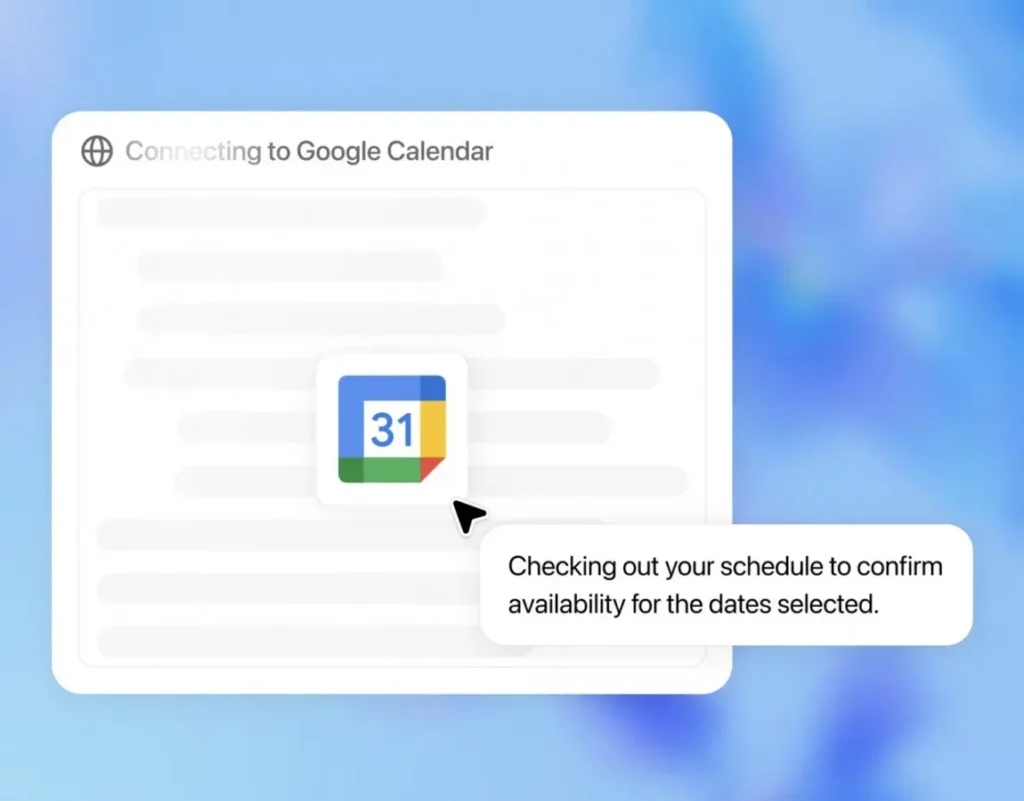
Or, maybe you’re buried in invitations and spreadsheets. ChatGPT Agent can go through your schedule, share a neat summary, and even help you draft and send updates to your team. Tedious jobs, gone.
What’s New or Better Than Before?
Before this, ChatGPT could chat and write, but you had to do the heavy lifting—opening sites, juggling docs, copy-pasting info. Now, the Agent can actually operate browsers, manage files, and move nimbly between different tasks, start to finish. Even compared to other AI helpers out there, few can match its all-in-one style and ease of use. Plus, you control when and how it acts—no disappearing into digital corners with your data.
Who Gets Access First?
OpenAI is rolling out the Agent to paid ChatGPT Pro, Plus, and Team users starting now. You’ll see a new option called “agent mode” in your tool dropdown. If you’re already a subscriber, you can start using these features without any extra setup. For everyone else, broader access and more features are on the way.
ChatGPT Agent features
Final Thoughts
This is a genuine leap in how we work with AI. ChatGPT Agent doesn’t sit back and wait to be asked questions—it gets things done, from blank page to finished project. If you ever wished you had an assistant who not only remembers things but also learns new tricks daily, this is probably as close as it gets right now.
Also Read | ChatGPT’s Wild New Art Tool: 5 Cool Ways to Create AI Images Like a Pro
Source: openai (Official) – openai.com